Sign in to Libby
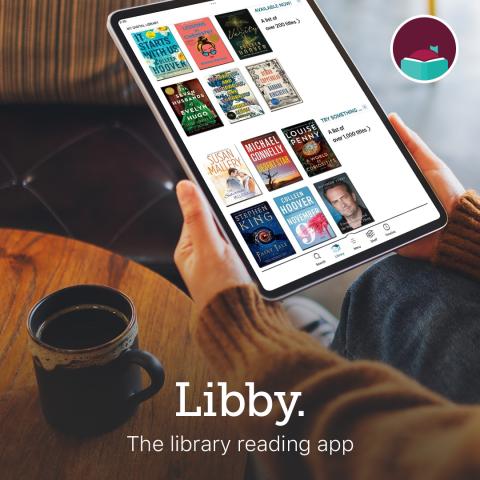
Branch District Library, with the Woodlands Library Cooperative, offers Libby, a free app where you can enjoy ebooks, digital audiobooks, and magazines from your public library. You can stream titles with WiFi or mobile data, or download them for offline use and read anytime, anywhere. All you need to get started is a library card!
What will I find on Libby?
You will find new releases, old favorites, magazines of all kinds, audiobooks, children's books, books in other languages, and any genre you are looking for!
Frequently Asked Questions:
Q: How Do I Get Started with Libby?
A: Download the Libby app to your phone, tablet device from the Google play store, Apple App Store or the Amazon Appstore. You can also use Libby right in your browser by accessing libbyapp.com. In Libby, follow the prompts to find your library and sign in with a library card.
Note: Libby cannot limit its content to only juvenile titles based on our BDL library card accounts. Therefore, if you would like your minor to have access to Hoopla, they must have adult borrowing privileges at the library.
Q: I have multiple cards, can I use them all?
A: Yes! You can add multiple cards to your Libby App. Visit the Libby Help guide here.
Q: Can I read on my Kindle?
A: Yes! You can read most borrowed books with Kindle. To send a book to your Kindle or Kindle App and read more about it here.
Q: How can I get more titles?
A: The Woodlands Downloadable Library has partnered with 15 other libraries to get you more access with your digital library card! And the great news is that partner libraries will now be automatically added to your Libby app! No extra work needed on your part.
Q. How many books can I borrow or hold at a time?
A: Our Cooperative's borrowing limit is 8 loans and our hold limit is 8.
Q. Why do I have to wait so long for a copy of a digital title?
A: The number of copies the library buys depends on a few factors, like demand and budget. Even if there's a lot of demand, the library's budget might not allow for more digital copies of a popular title. Most libraries have limited budgets that cover their physical collection, programming, and more, in addition to digital titles.
If we have not answered your questions, you can find more answers on the Libby Help page, contacting a library worker who can help you here at support@BranchDistrictLibrary.org or by downloading our Libby Start Guide.
The Libby Database is provided by the Woodlands Library Cooperative.
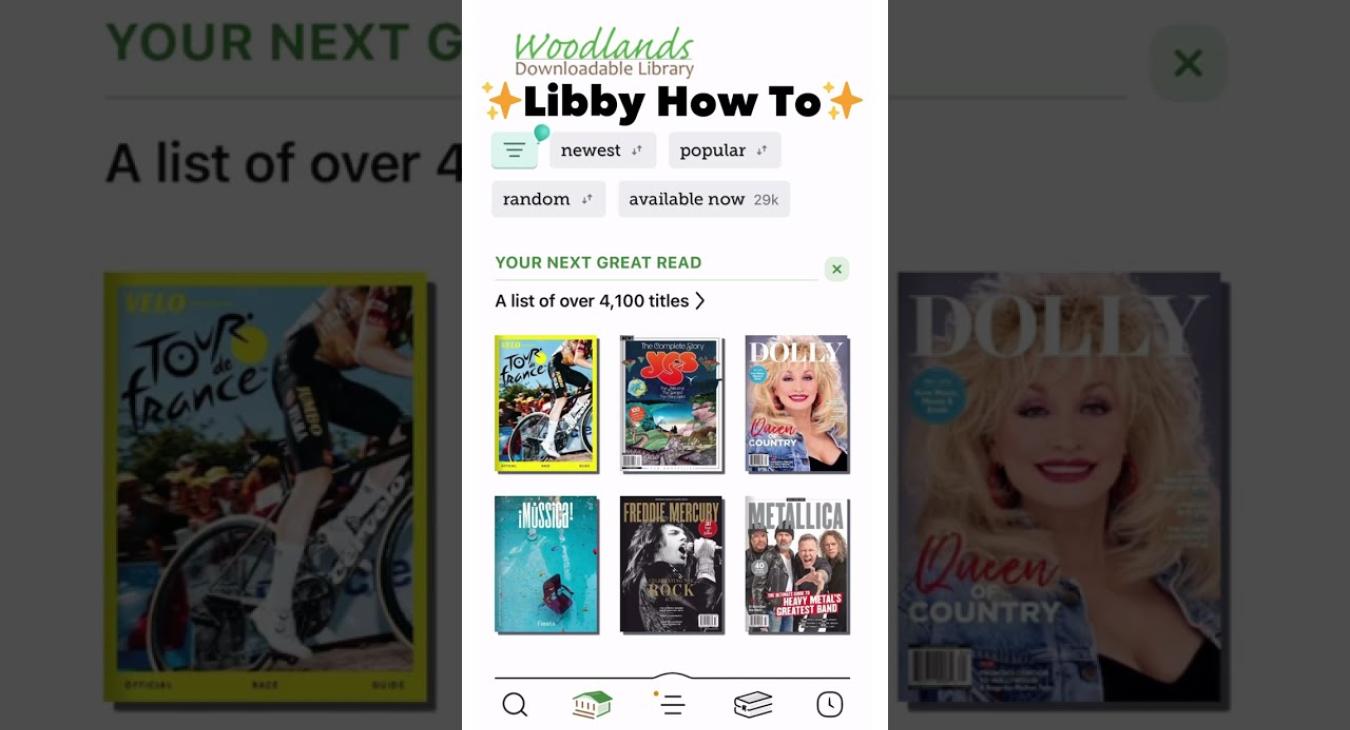
| Attachment | Size |
|---|---|
| libby-start-guide_0.pdf | 1.44 MB |